
DBeaver: the data engineer's Swiss Army knife
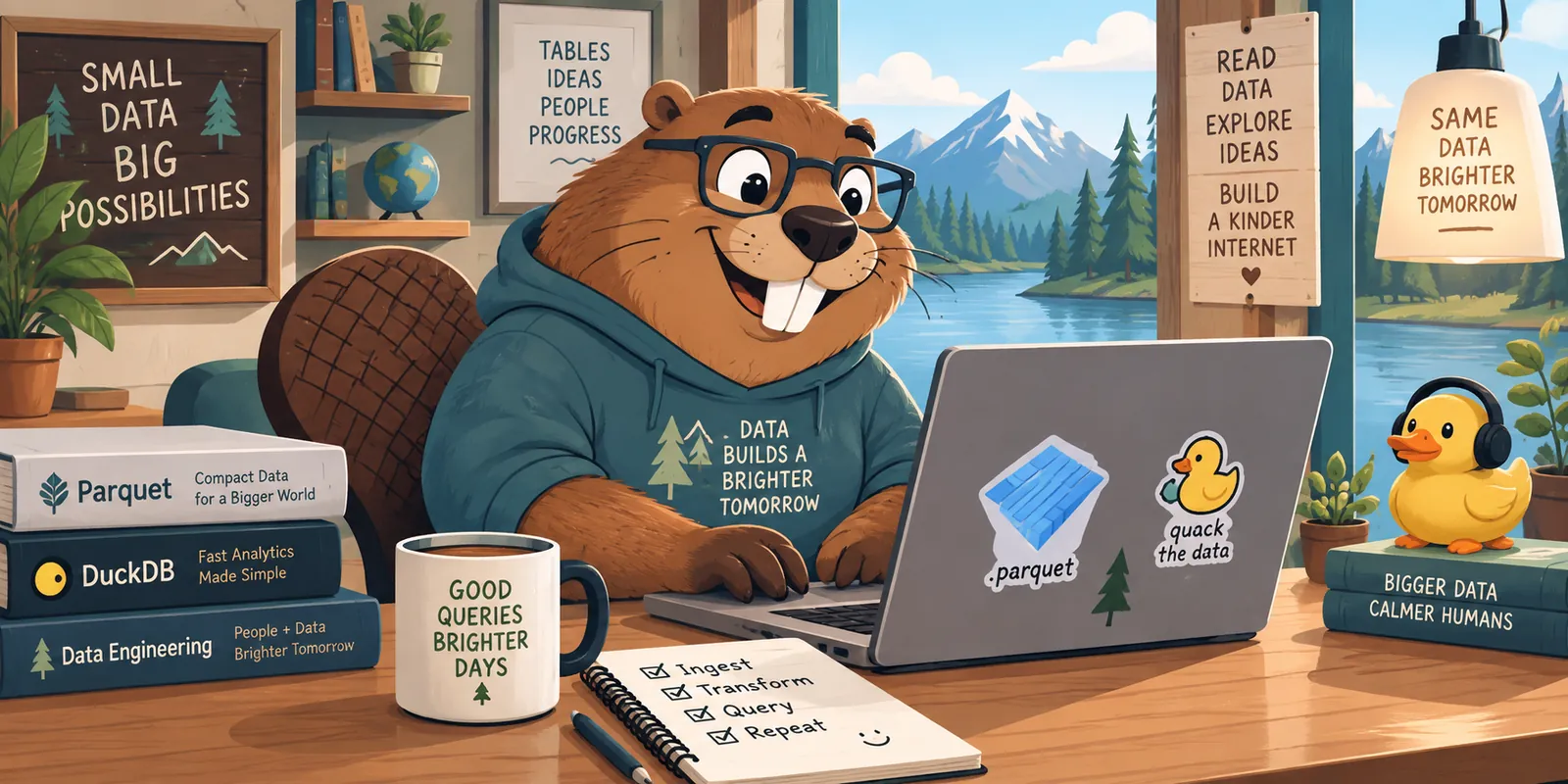
Some tools solve one specific task. Others eventually become the whole toolbox. DBeaver belongs to the second category: it is a cross-platform database client for connecting to, querying, exploring, editing, and exporting data without changing applications. For a data engineer, it feels a lot like a graphical Swiss Army knife.
What is DBeaver?
DBeaver is a desktop application for working with databases and other data sources. It supports JDBC connections, schema and table browsing, SQL with autocomplete, execution-plan inspection, record editing, and data export.
Its main advantage is bringing together tasks that would otherwise be split between a console, an IDE, a spreadsheet, and several vendor tools. The metadata browser helps us understand a database quickly; the SQL editor lets us test a query; and the results view lets us filter, sort, copy, or export information.
DBeaver Community is open source, while the Enterprise edition adds features for teams and particular data sources. The company behind the product is DBeaver Corp, based in the United States. The project grew around the open-source community, and the company maintains both the Community edition and commercial variants.
One client, many databases
DBeaver is not a database engine: it is the client that connects to databases. That distinction matters. It does not replace PostgreSQL, MySQL, SQL Server, Oracle, MariaDB, SQLite, or Snowflake; it provides a common experience for working with them.
Depending on the driver and edition, we can connect to relational databases, analytical warehouses, cloud services, and sources exposing a JDBC driver. We can also configure SSH tunnels, manage credentials, save connections, and open several sessions in parallel. The interface does not remove engine-specific differences, but it reduces the mental cost of switching between them.
It is available for Linux, Windows, and macOS. On Linux it is useful for people moving between servers, containers, and a development laptop; on Windows it fits teams working with SQL Server, PostgreSQL, cloud services, and corporate tooling. The same idea and much of the workflow travel with us between operating systems.
Parquet: when a table does not live in a database
Parquet is a columnar storage format, not a database. It stores data by column and keeps metadata that allows readers to fetch only the necessary parts. That is why it is common in data lakes and analytical pipelines: it is compact, compresses well, and works with many engines.
DBeaver can explore Parquet files directly through compatible engines and connections instead of forcing us to load them into a traditional database first. This is useful for inspecting a dataset received from another team, checking column types, finding nulls, or validating a partition before building a pipeline.
Two operations should be distinguished. Viewing a Parquet file tells us what it contains; querying it with SQL requires an engine that can read it. That is where DuckDB comes in: DBeaver provides the interface and DuckDB provides the analytical engine.
DBeaver and DuckDB: a practical pairing
DuckDB is an embedded analytical database that can query Parquet, CSV, and JSON without starting a server. DBeaver can connect to DuckDB and become its visual environment: we write SQL in the editor, inspect plans and results in tables, and browse objects through a familiar interface.
A typical query can be as simple as:
SELECT customer_id, sum(amount) AS total
FROM 'data/sales/*.parquet'
GROUP BY customer_id
ORDER BY total DESC
LIMIT 20;
The file remains Parquet and DuckDB reads it directly; there is no need to import it into a server database before starting analysis. This combination is particularly comfortable for exploration, data-quality checks, and prototypes: DBeaver makes investigation visual and DuckDB provides fast, portable SQL.
It can also create a local DuckDB database, join several files, materialize intermediate results, and export them again. The workflow lands in a very useful space between a spreadsheet and a full data platform.
Why call it a Swiss Army knife?
The metaphor does not mean DBeaver does everything better than specialized tools. It means it covers many needs with surprisingly little friction:
- explore schemas, indexes, views, and permissions;
- write and save SQL queries;
- compare results and inspect execution plans;
- edit individual records carefully;
- import and export CSV, JSON, and other formats;
- work with multiple connections and tabs;
- document queries and share configurations with the team;
- connect to classic engines, cloud services, and embedded databases.
For someone learning SQL, the data view provides immediate feedback. For an experienced user, the value is having context, queries, and results in one place. For a data engineer, the mix of heterogeneous connections, Parquet, and DuckDB greatly shortens the path from “I was given these files” to “I know what they contain.”
Things to keep in mind
Convenience does not remove responsibility. A production connection should be protected with suitable credentials, least-privilege permissions, and care when running UPDATE, DELETE, or migrations. A graphical interface can also hide SQL-dialect differences, query costs, and access policies.
DBeaver is not an orchestrator or a data-governance system. It does not replace a versioned pipeline, automated tests, change control, or observability. Its role is more focused and, for that reason, valuable: it is a flexible workstation for understanding and operating on data.
A small tool for varied problems
The best way to understand DBeaver is as a common work layer. One day it can be a PostgreSQL client; the next, the window through which we inspect a Parquet file with DuckDB; later, a browser for a local SQLite database or a console for an analytical warehouse.
That versatility explains its popularity. DBeaver does not try to decide where data should live: it helps us see it, ask questions of it, and move between systems. And when the logo’s beaver appears next to a Parquet file and a DuckDB query, the joke is more than visual: it captures a modern, pragmatic way of working with data.